
Tunezilla V3

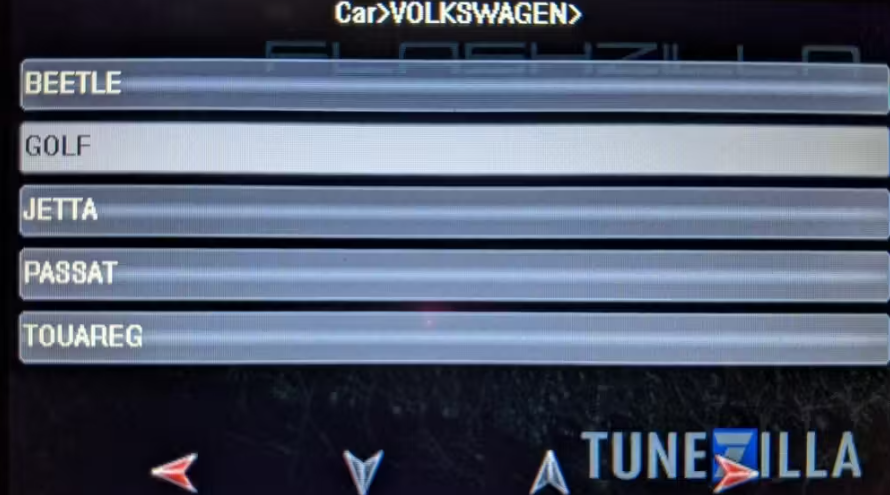
This guide will walk you through tuning with your Flashzilla V3 device. In our example, we are flashing a Volkswagen Golf. Be sure to select the options appropriate to your vehicle
We have a video, as well as text+image instructions below
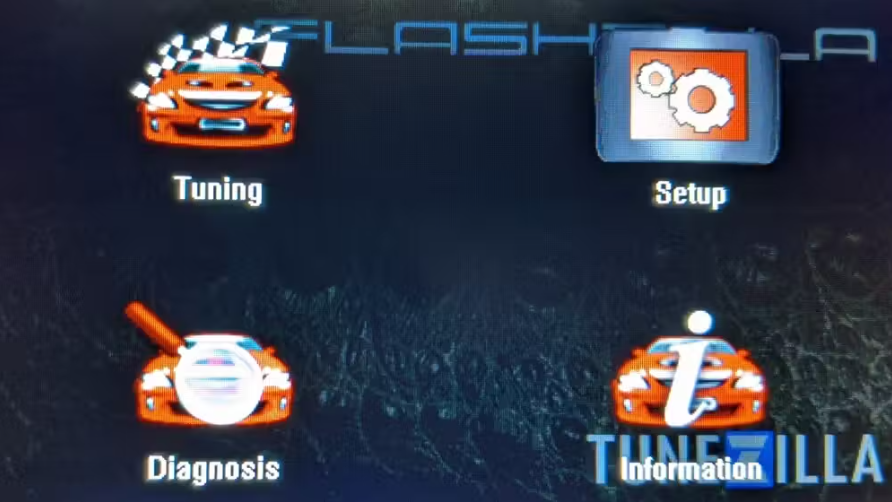
6. Select your brand
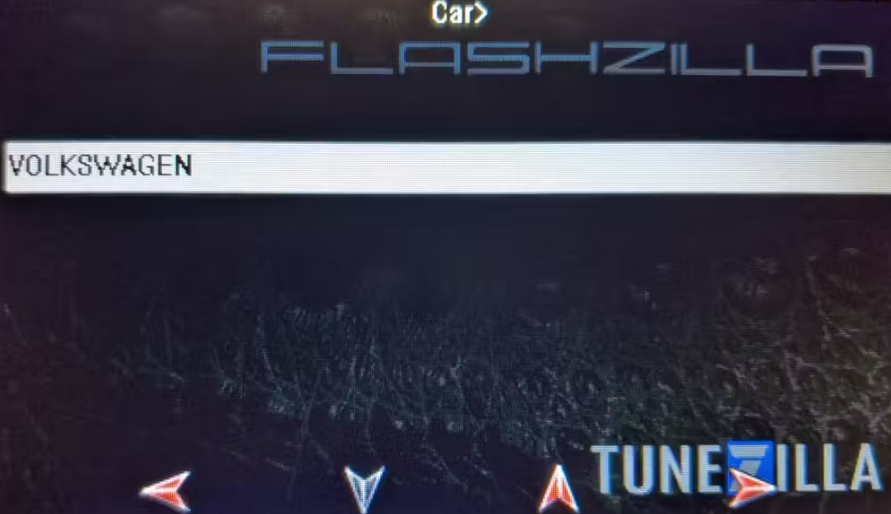
7. Select your Model
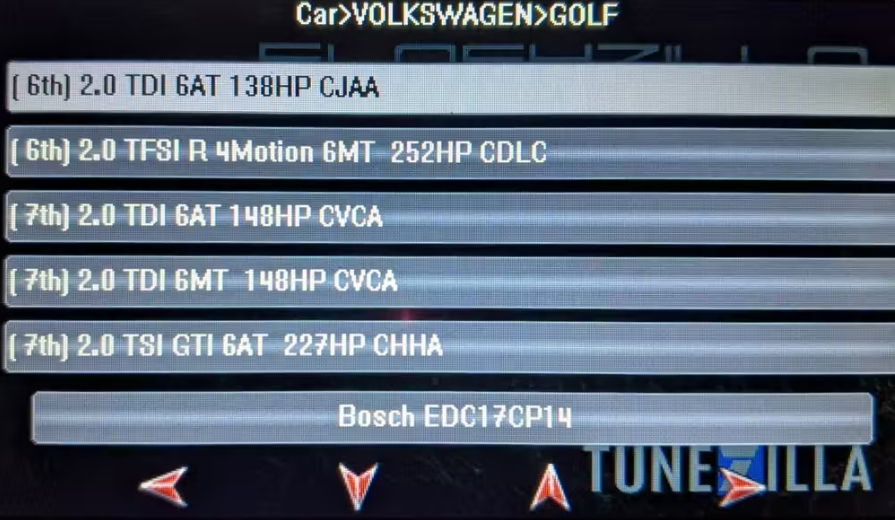
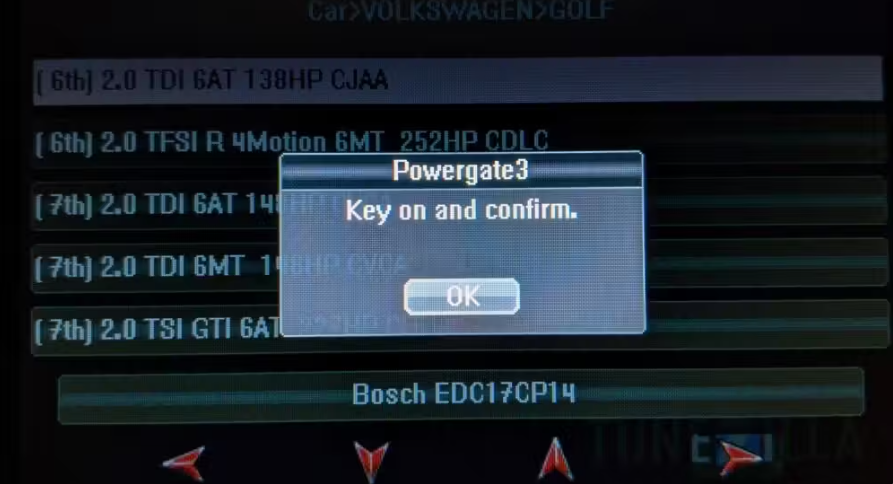
8. Select your engine. If you don't see your ECU listed, we have updated templates available and instructions at the end of this guide.
9. Follow the ignition prompts to read a file off the vehicle. Once complete, disconnect the device and plug it back into your computer.
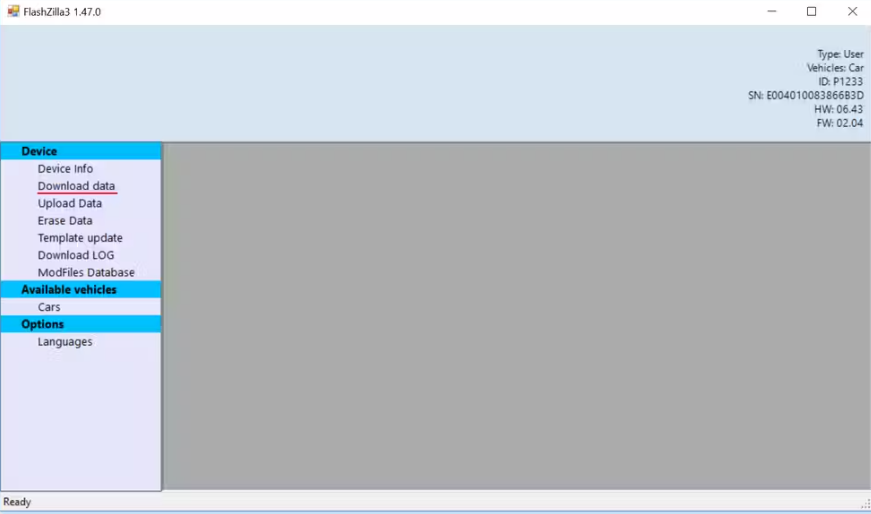
10. With the device plugged in and the program loaded click "Download data." to download the file from your device to your computer.
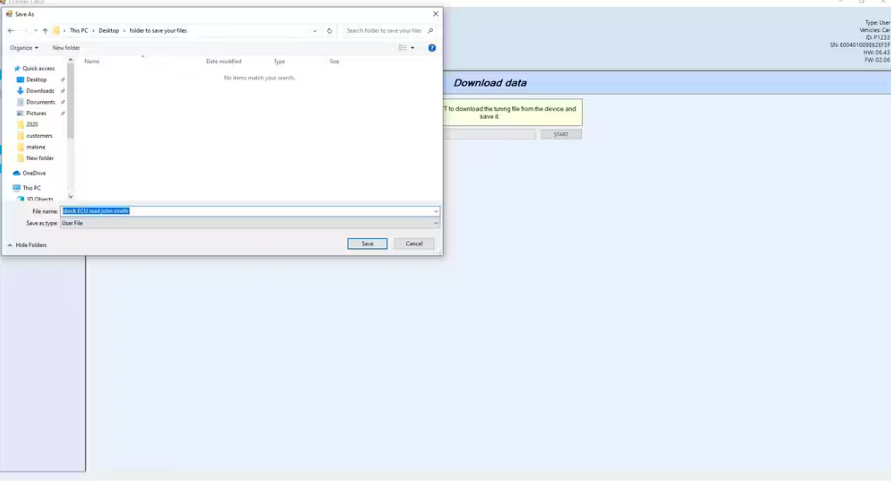
11. This will pop up a window asking you where you'd like to save the file. Select your location and hit save to save the file to your PC. It would be best to create a folder for your ECU files and any data logs, that way you can easily reference them in the future.
Please email this file to Support@SpeedFarmGarage.com, and we will create your tune file with Tunezilla.
Once we are finished, we will email you your tune file. Please download the file
**Use of a battery charger is strongly recommended. Low voltage may cause the flash to fail, requiring outside services such as a dealership to recover or replace the computer**
Plug in your Flashzilla v3 device, and open the Flashzilla v3 program.
Press "upload data" to upload your tune file to the device
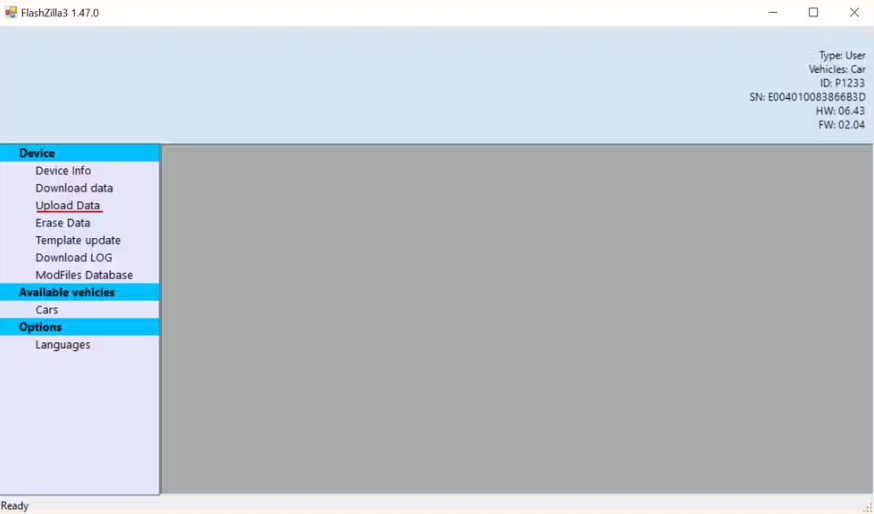
It should prompt you when the data has finished writing, disconnect the device from your computer and plug it into your vehicle.
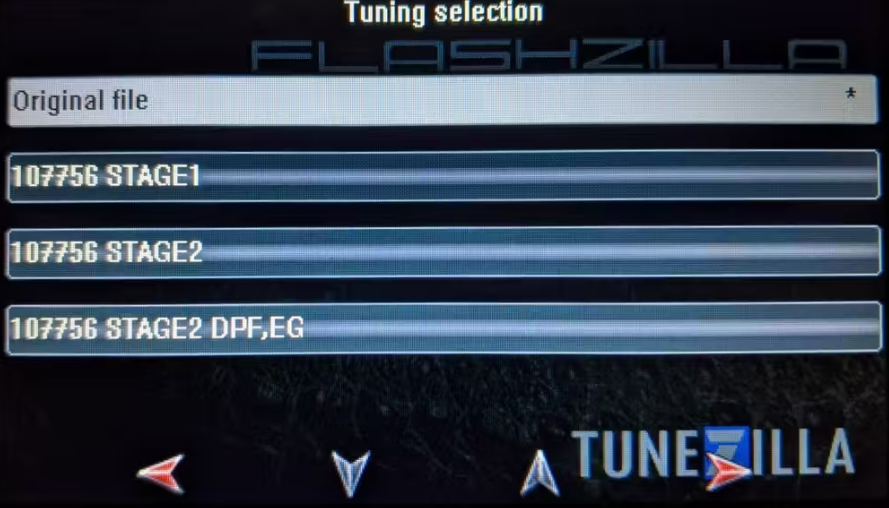
With the tool plugged into your vehicle go through the tuning menu and hit yes to proceed. This will open a menu with your tune files and original ECU software, along with an asterisk next to the currently installed file.
Select your desired tune file, and the tune will begin to flash.
We hope you enjoy the tune. If you have any questions or concerns feel free to reach out to us or Tunezilla
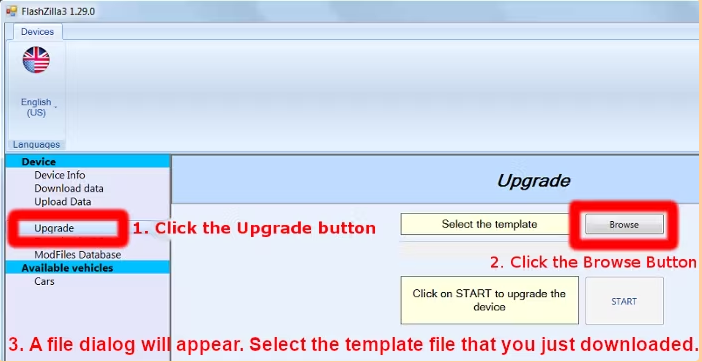
If you don't see your vehicle (ECU) listed, you can download an updated template file below.
Download the small template containing a short list of popular vehicles - faster loading
Download the full template containing virtually all vehicles

